Building a Design System from Scratch for a Major Thai Bank
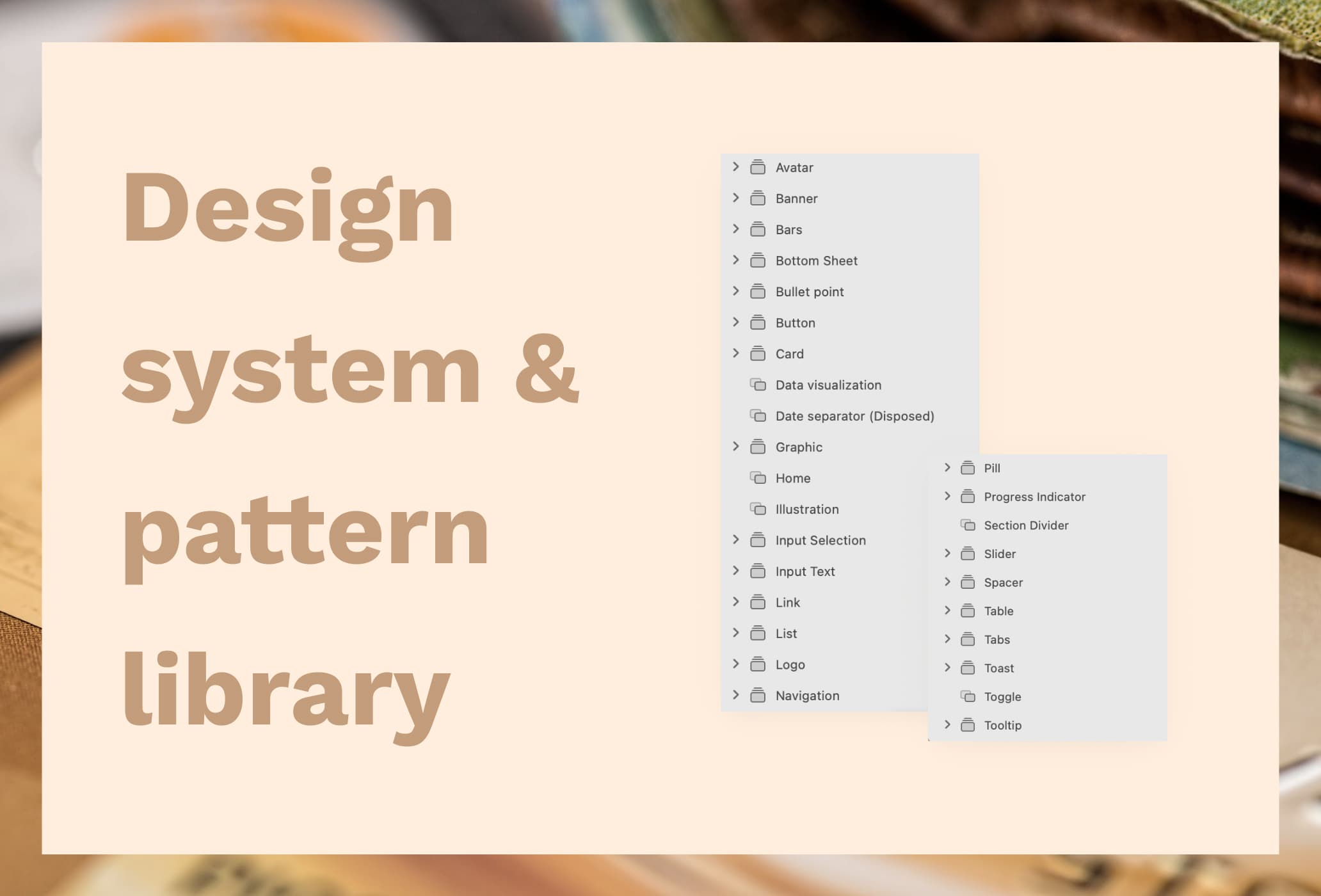
My role
Design system lead
Team
- 2 designers (I handled the technical side, my partner handled visual design)
- 1 dedicated developer
My responsibilities
- Design UI components
- Create design guideline
- Create design library
- Create design documentation
Tools used
- Sketch
- Miro
- Zeplin
- Storybook
Project info
- Design system for internal usage
Overview
The project
Due to NDA, I can't show the final screens, but I can walk through the full process and decisions behind building a design system from scratch for a large banking team in Thailand. The goal was to centralize design language across multiple squads working on a mobile banking app, and give every designer a shared foundation to work from.
The app served over 4.4 million customers and processed 535 million transactions in 2021. Getting the design right wasn't just about design efficiency, it directly affected the quality of a product used by millions of people every day.
Context
The product was a full mobile banking app covering multiple financial products (online payment, credit card, loan, investment, insurance) , used by customers across Thailand. About 10 designers were working across 6 squads, with 1–2 designers per squad.
Challenges
1. The first constraint is time
When I joined, the teams were already moving into the UI phase with fixed timelines per squad. There was no room to build a perfect system before work began. So I made a call to ship an MVP version, with only the most common components, and improve from there. To decide what to include first, I analyzed the existing wireframes to identify the most repeated elements things like buttons, text fields, and typography. The first release was ready within one to two weeks.
2. Big range of skill levels
Many designers were junior and had never worked with a design system before. I kept components simple and avoided over-engineering them. Documentation became just as important as the components themselves. For each component, I wrote clear usage guidelines (when to use it, when not to, and what variations are available), so designers could make decisions confidently and make confident design decisions on their own
3. Getting developers on board
One of the harder challenges was getting engineering involved. The team had 50+ engineers, and design system adoption on the dev side wasn't a given. I advocated for it directly with the design lead and eventually got one dedicated developer assigned to the design system. From there, we worked together to build the component library in Storybook. My job was to clarify how each component should behave and review the implemented components for quality, flagging anything that didn't match the design spec.
4. Sketch doesn't sync
Unlike Figma, Sketch doesn't have live library syncing (yet). Every update had to be packaged and sent out manually to the team. This added overhead but also pushed me to be more deliberate about releases, batching changes, communicating clearly, and making sure designers always knew what version they were on.
Design process
Benchmark & Product Analysis
Studied existing design systems to understand their organization, component naming, and documentation style, while mapping the app structure to identify the most repeated components
Build from the foundation up
Started with core elements like typography, color, and buttons, then moved to more complex components
Launch and listen
Collected feedback after launch and continuously improved the system based on real usage
Development & QA
Worked with the developer to build Storybook components and reviewed implementations for quality
Design system structure
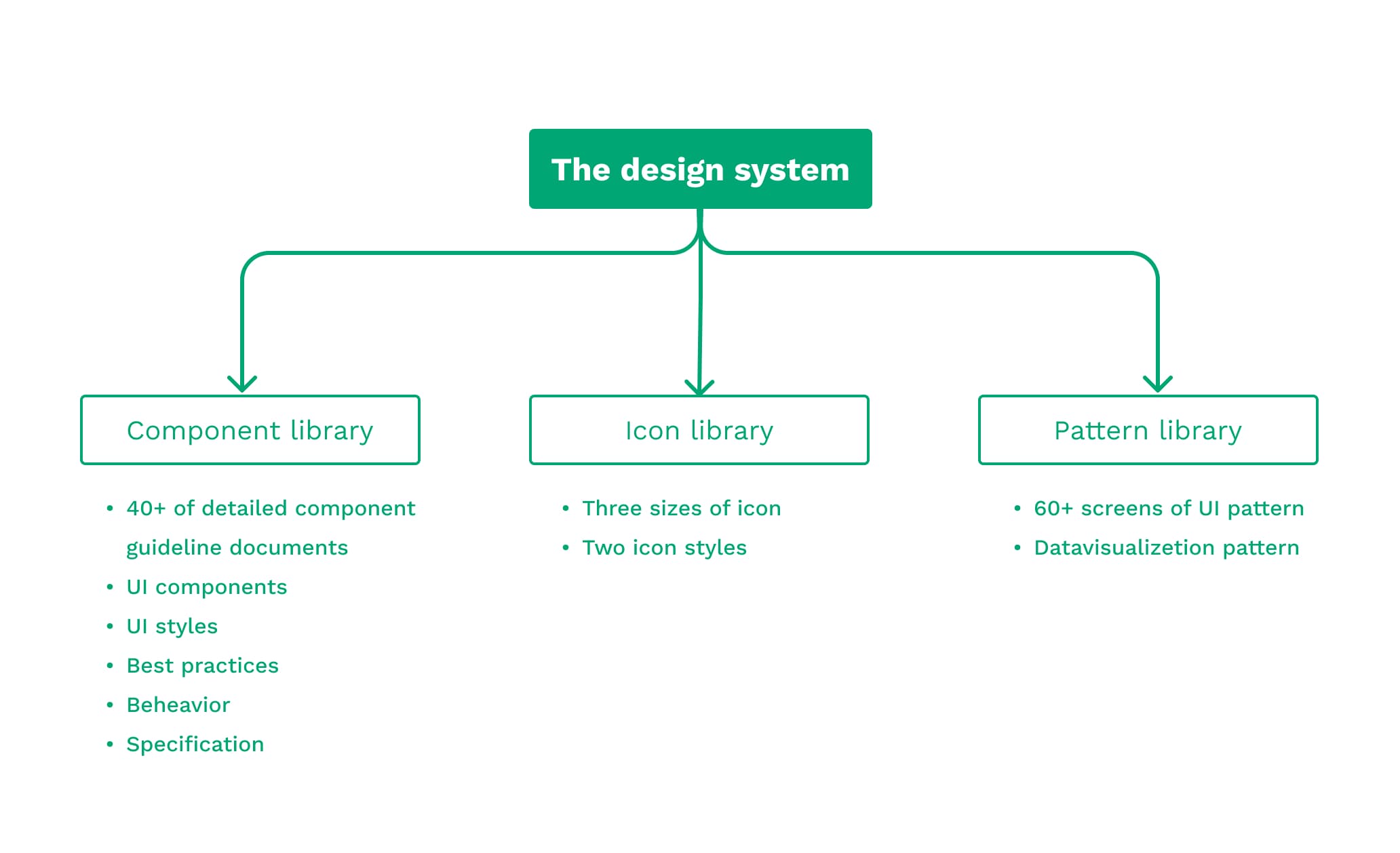
I split everything into 3 files to keep things manageable:
- Component library: UI components with usage documentation
- Icon library: icons in all sizes and styles
- Pattern library: screen patterns as reference and starting point for new screens
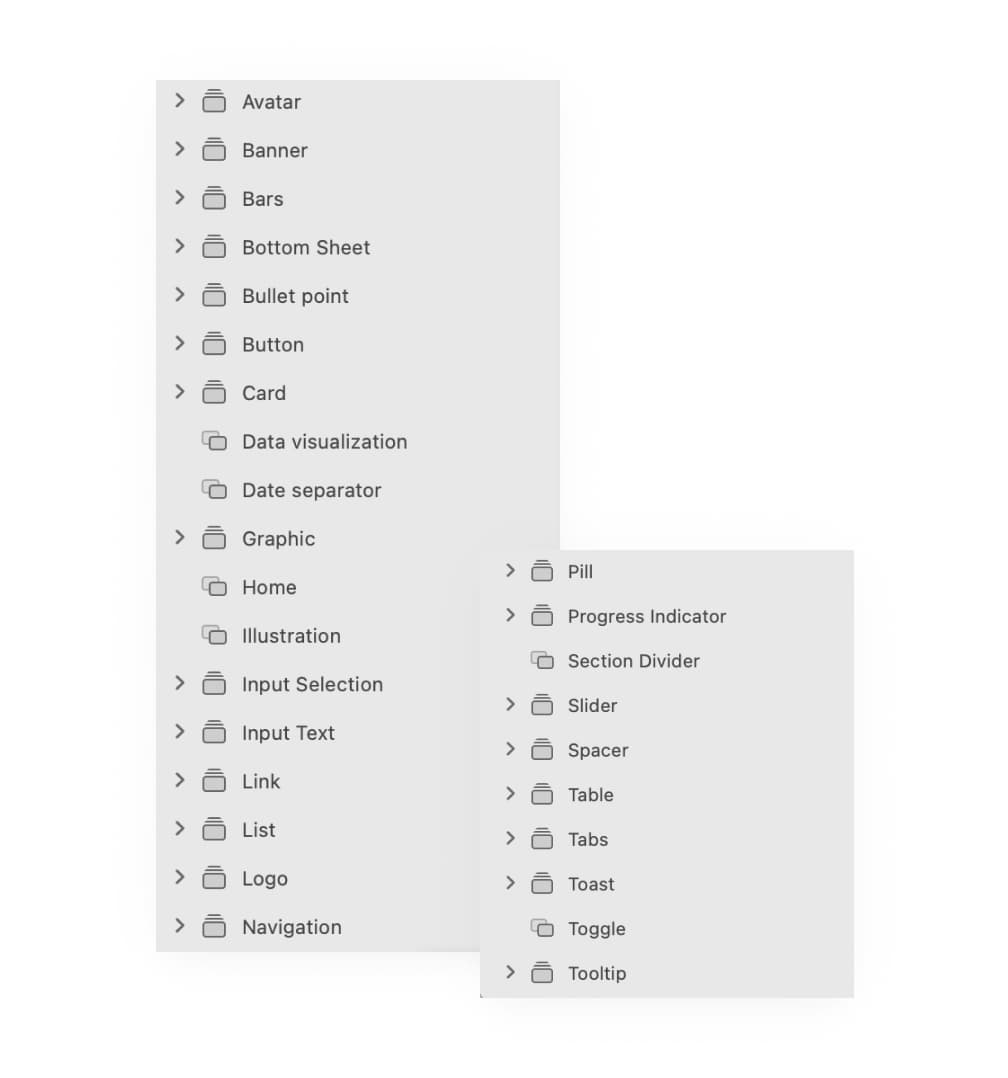
Component library
My priority was creating components that were accessible and easy to use especially for junior designers who were new to working with a design system. I kept components simple and avoided over-engineering them.
Every component was built with reusability and consistency in mind:
- Meaningful layer naming and arrangement
- Layout constraints were set so components scaled and repositioned properly.
- Overrides were set up so designers could swap text, icons, or colors within a component without breaking its structure, making components flexible.
- All layers linked to proper color and text styles
This made the system stable as it grew. Adding new components or making updates didn't break existing work.
Component documentation
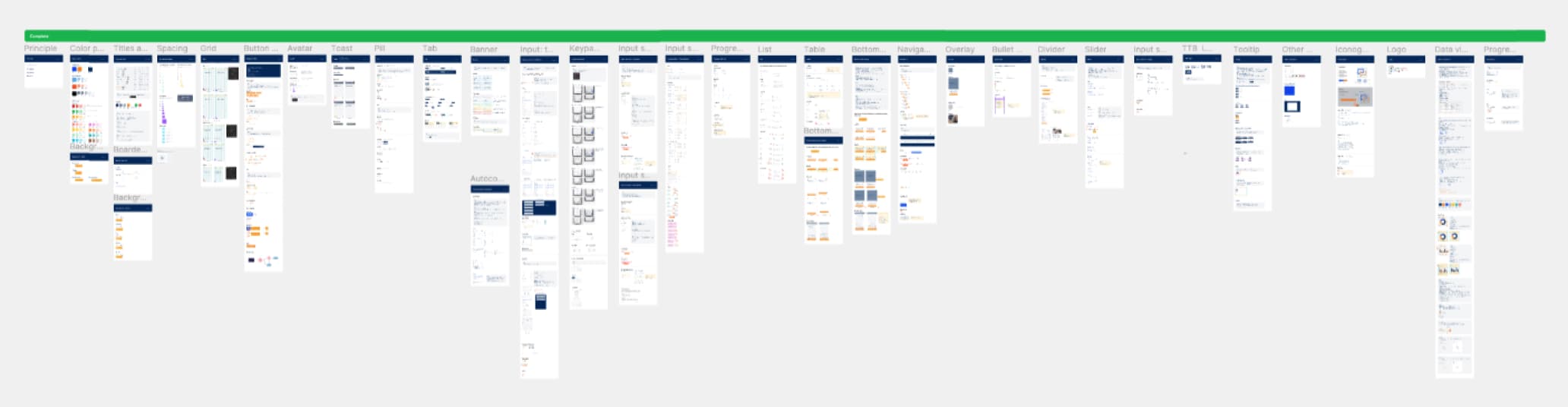
Documentation was just as important as the components themselves. Good documentation keeps everyone on the same page, reduces inconsistency, and helps junior designers work independently and make confident design decisions on their own.
For each component I documented:
- Usage — when to use it and when not to
- Variations — all possible states and color treatments
- Specification — size, spacing, and touch targets
- Placement — how to position it within a layout
This also improved the developer handoff process. Instead of back-and-forth questions, developers had a clear reference for how each component should look and behave.
Pattern library
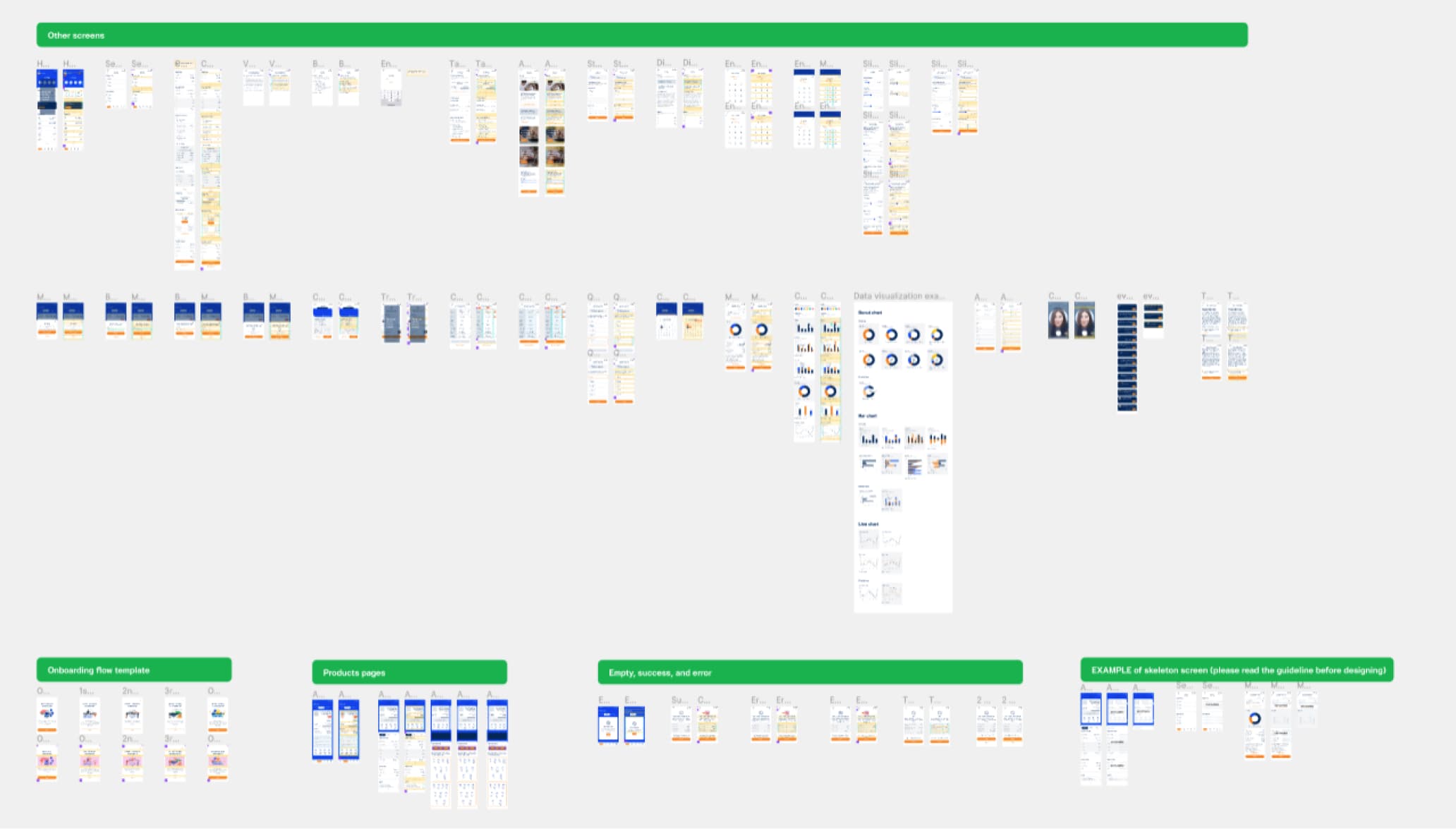
The next step was putting everything in context. The pattern library included full screen patterns for the most common flows such as Home, Product Detail, Onboarding, and Empty State. Designers could use these as a reference and a starting point, rather than rebuilding common screens from zero. This saved significant time and kept the overall product feel consistent across squads.
Outcome & Reflection
Results
- The design system grew from ~10 components at first release to 30+ over time
- Designers across all 6 squads relied heavily on the component library, usage guidelines, and pattern library — reducing the need to make design decisions from scratch
- Storybook gave developers across all squads a coded reference that matched the design spec, despite each squad working in a different tech stack.
- Junior designers could work more independently because the documentation answered most of their questions
- The pattern library meant designers weren't rebuilding common screens from zero, saving significant time across all squads
What I'd Do Differently
Bring developers in earlier. We lost some time early on because the dev side wasn't aligned from the start. Getting engineering involved from day one would have made the Storybook build smoother and caught implementation questions sooner.